Choose what to review
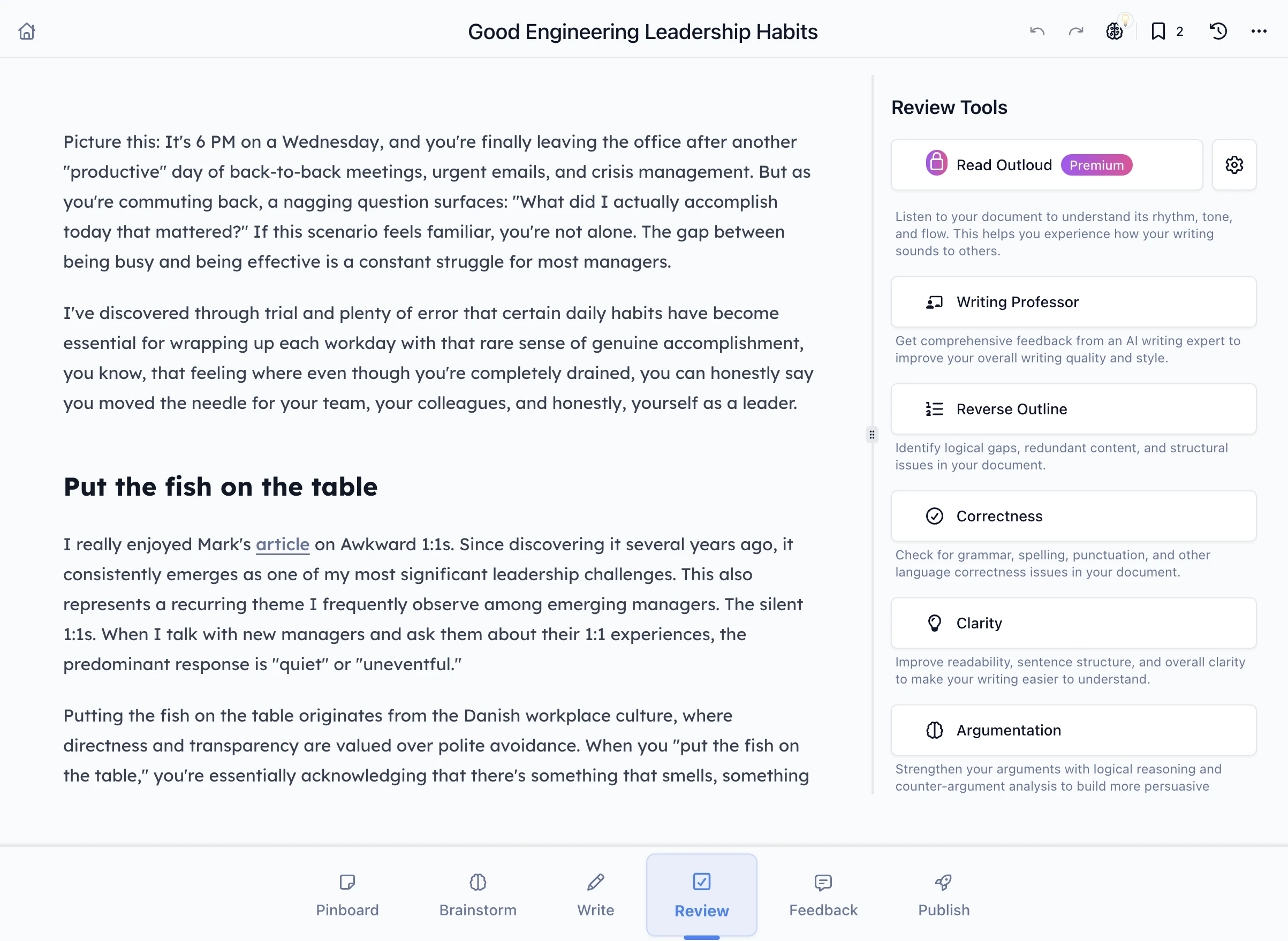
Use Review for clarity, correctness, structure, or argument. Read each suggestion in context before accepting a change.
Develop an idea, sharpen a passage, and review the whole piece. Keep your writing style and choose which changes to accept.
From rough thought to finished piece
Collect ideas and sources, then build an outline you can write from.
Strengthen an opening, cut repetition, or try a rewrite in your saved style.
Review the structure, hear it read aloud, and accept only what helps.
The examples below use “A quieter Saturday,” a sample notice about a library’s new quiet hour. Bring your own article, newsletter, or story through the same steps.
Our example is a short library notice. Put the hours, room rules, and feedback request on the Pinboard so you can refer to them while writing.
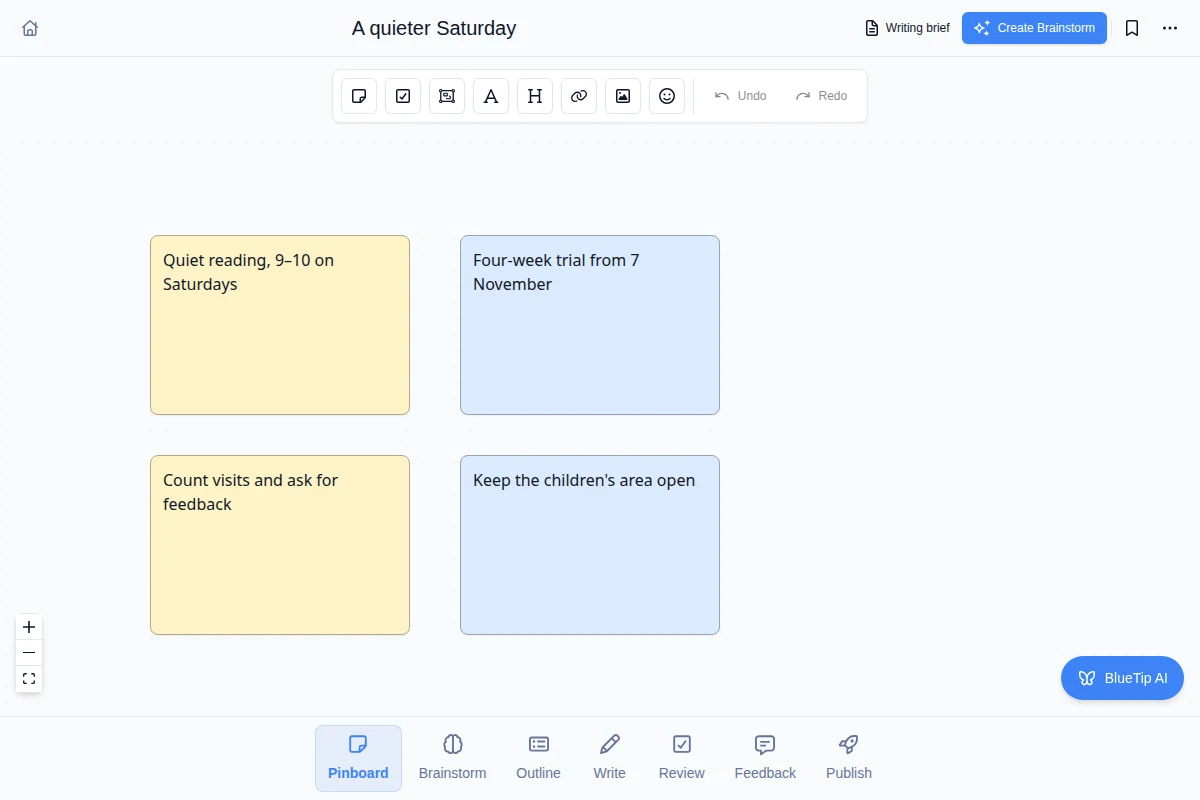 Enlarge
Recorded in BlueTip with a sample library notice. Silent video with captions.
In Brainstorm, connect the main idea to its supporting details. For this notice: what is changing, what visitors should expect, and how they can respond.
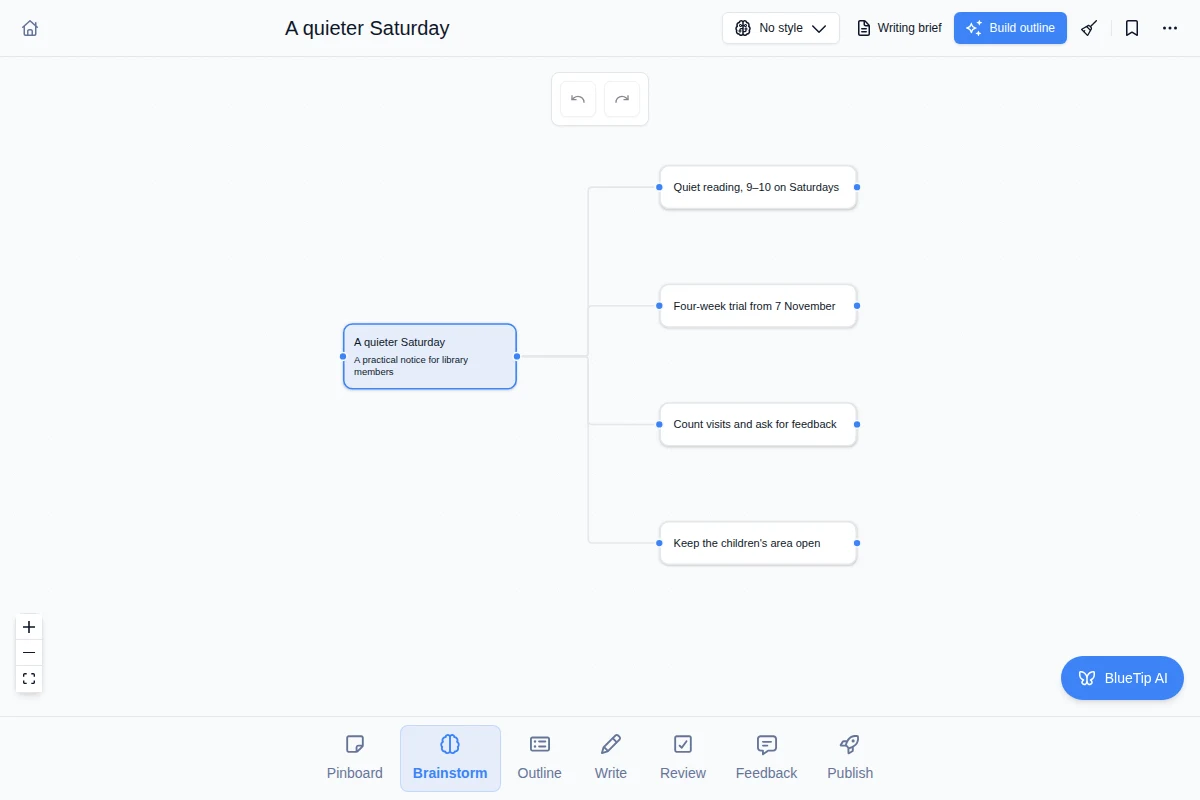 Enlarge
Recorded in BlueTip with a sample library notice. Silent video with captions.
Set the audience, facts, and writing style in your brief. Arrange the sections, generate a draft, then read the preview before applying it.
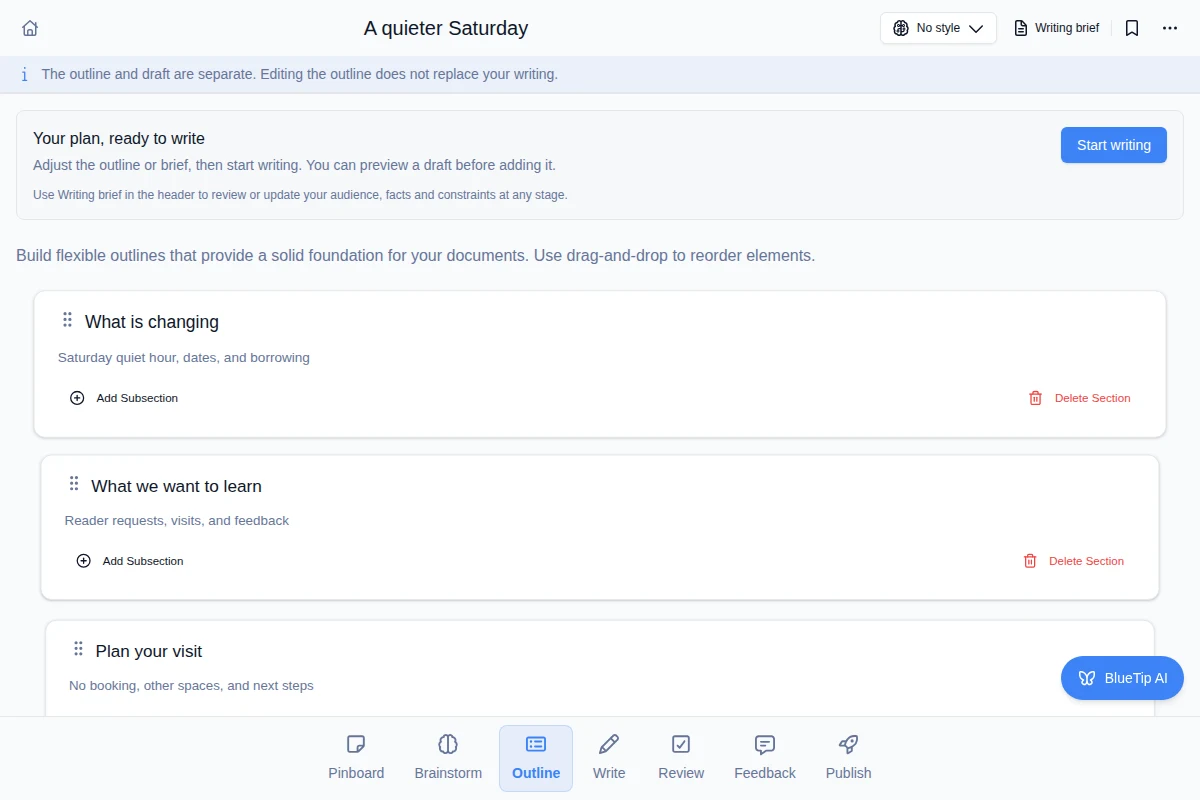 Enlarge
Recorded in BlueTip with a sample library notice. Silent video with captions. Generation wait shortened.
Select a passage in Write to cut repetition, connect ideas, or try different wording. Compare the suggestion with your original and apply it when it helps.
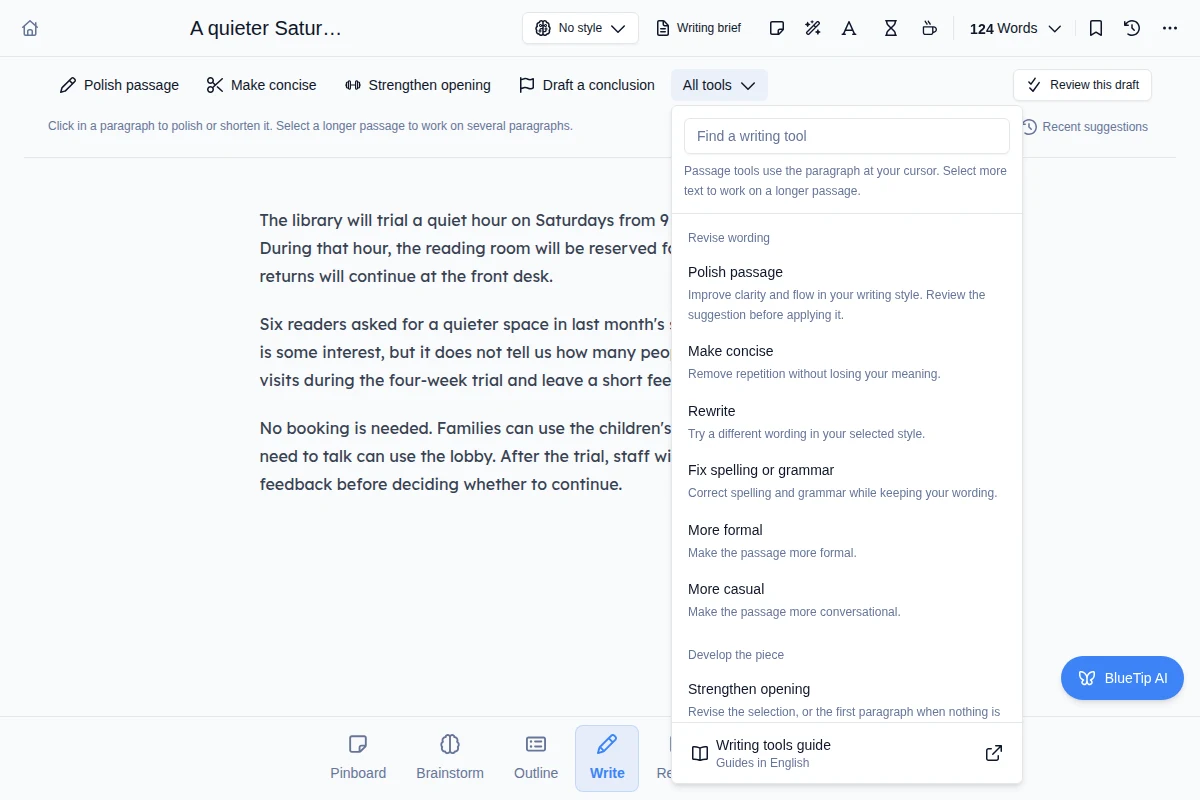 Enlarge
Recorded in BlueTip with a sample library notice. Silent video with captions.
A polished paragraph can still be in the wrong place. Review the whole piece before sharing it.
Use Review for clarity, correctness, structure, or argument. Read each suggestion in context before accepting a change.
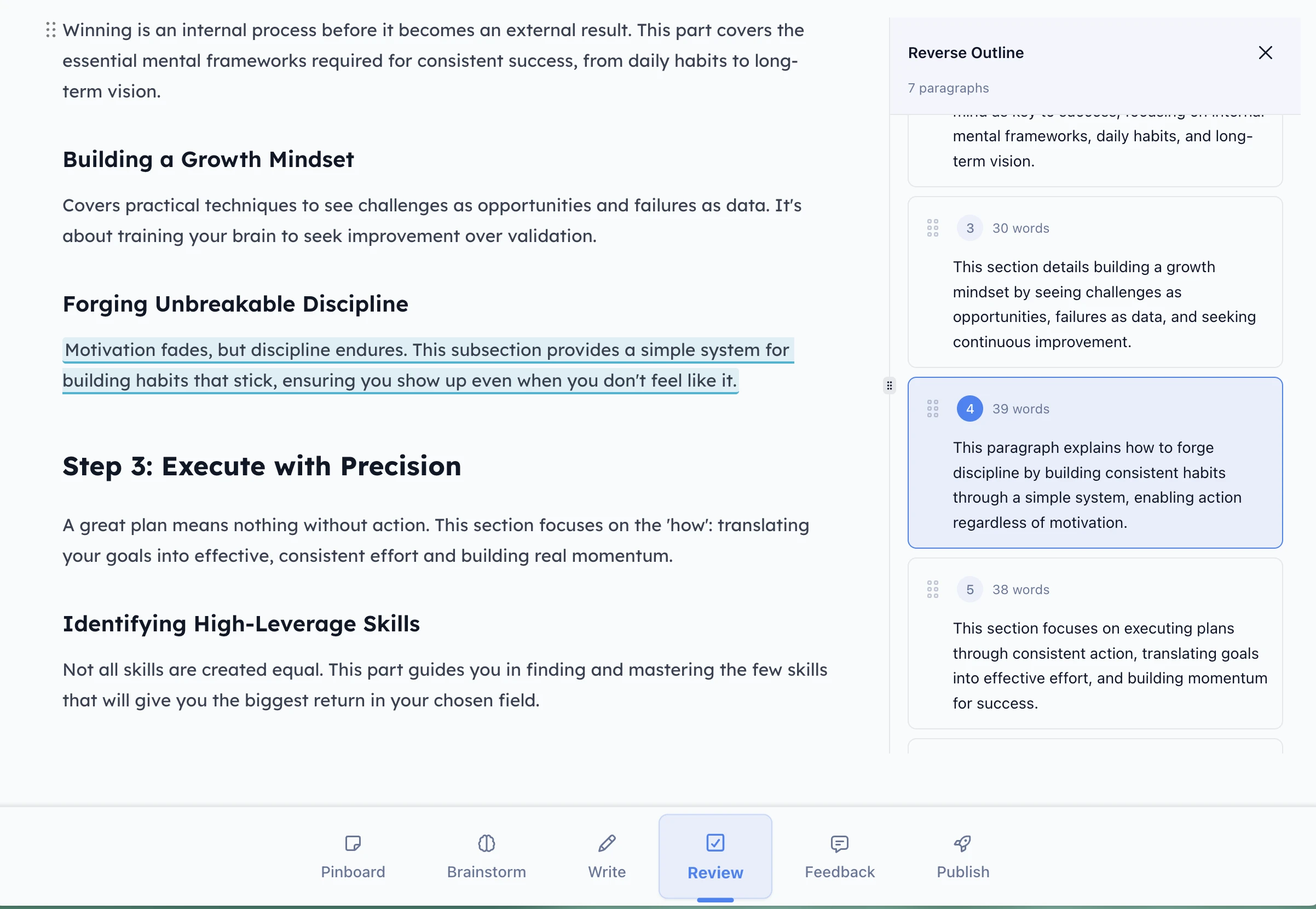
Reverse Outline summarizes the paragraphs. Look for a repeated point or a missing connection, then jump to the passage you want to revise.
 Enlarge
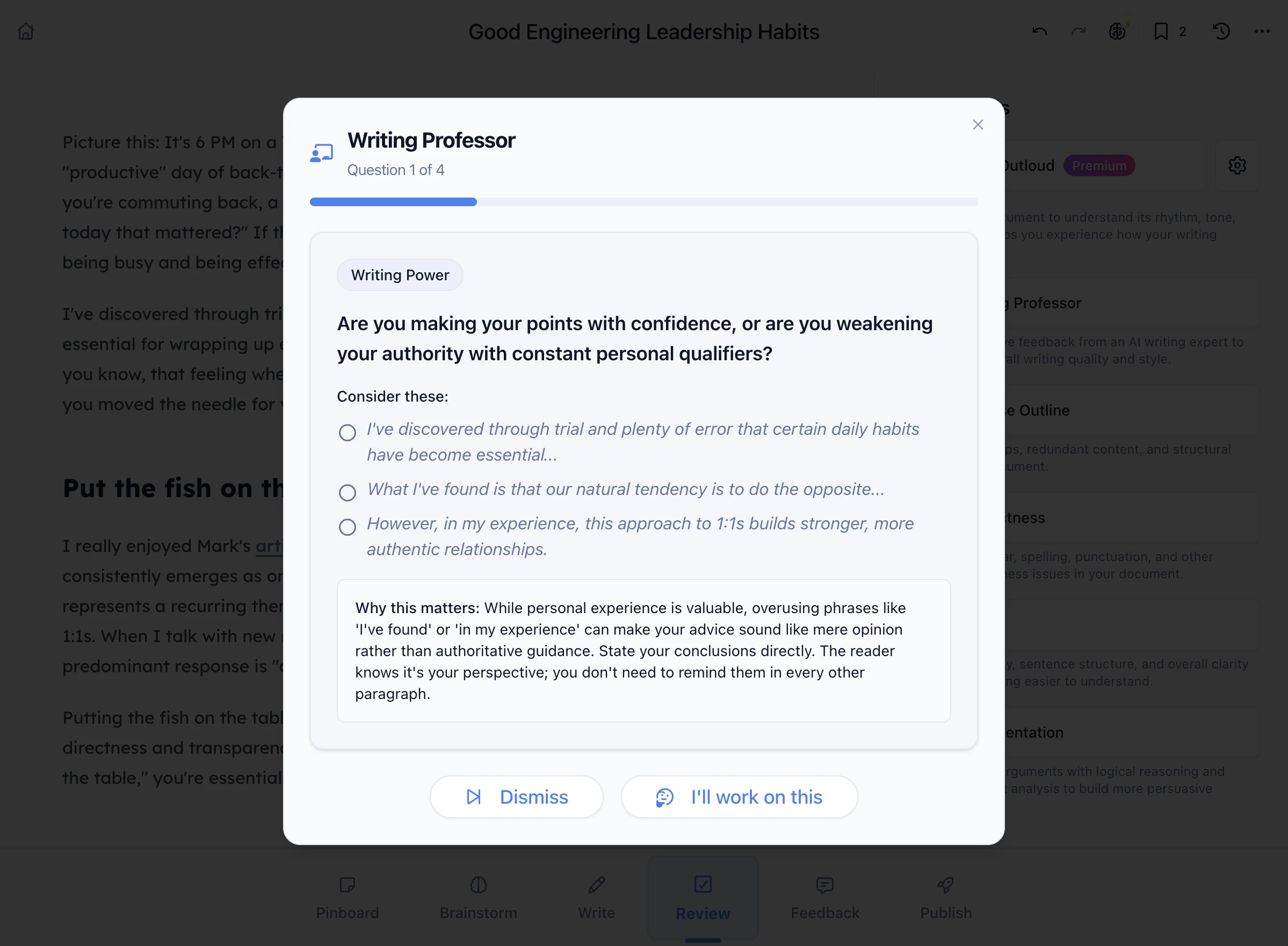
Writing Professor asks about your purpose, evidence, and reader. Use the questions to decide what needs work; a clear draft may need no priority revision.
Choose a Read Aloud voice and listen for sentences that feel awkward or slow.
Find repeated phrases and unfinished references. This local check uses no AI credits.
Compare saved versions when you want to recover a sentence or review a larger change.
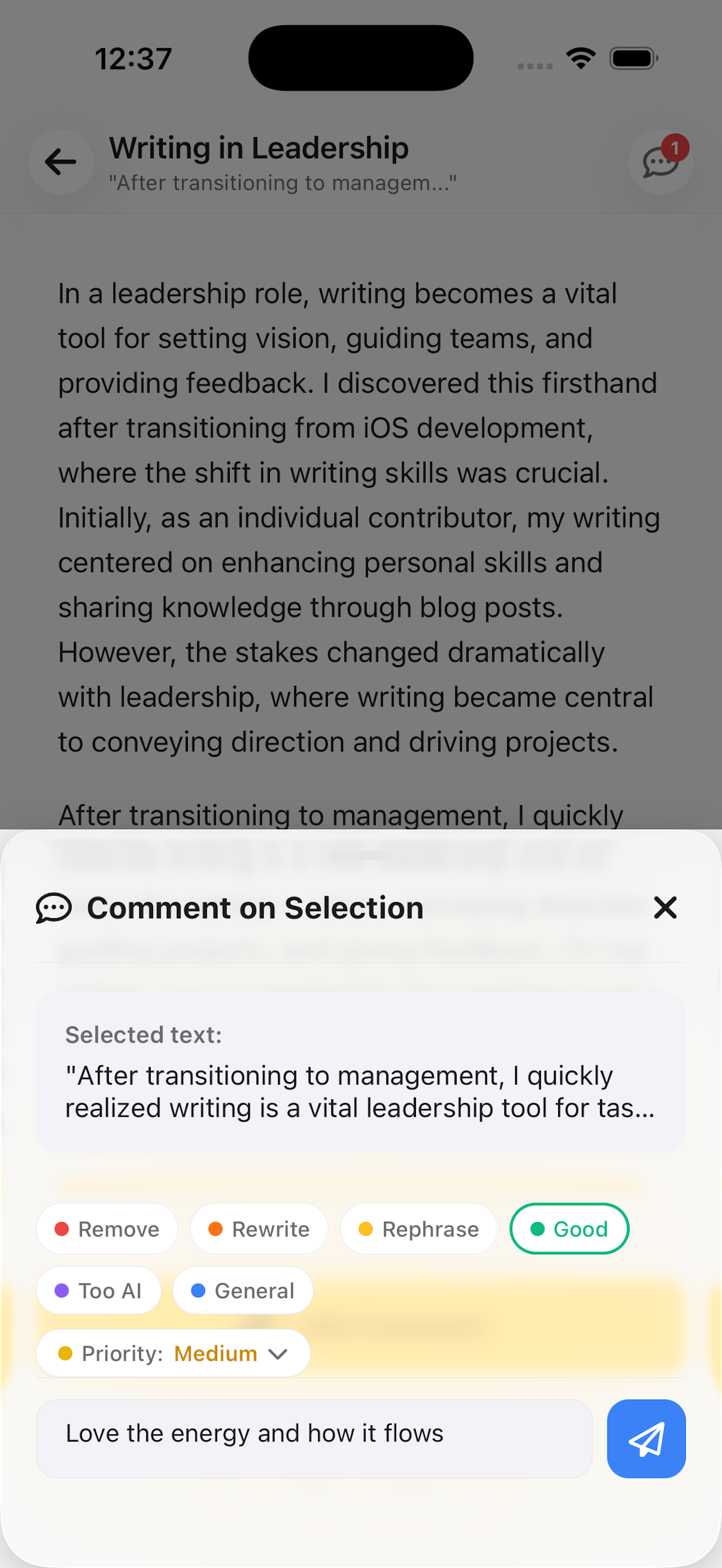
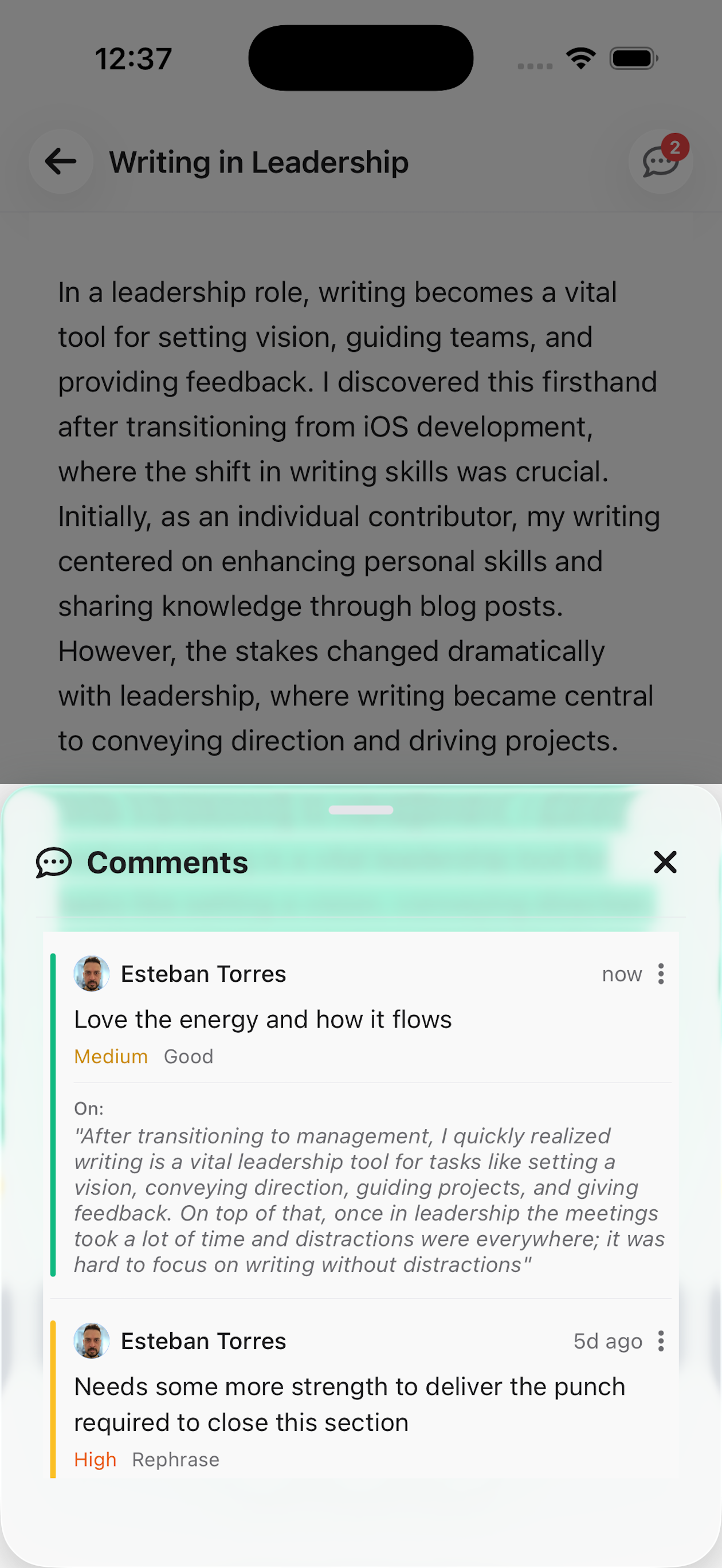
Invite someone to comment on the draft. Feedback stays attached to the relevant passage, with replies and resolved threads in one place.
When the notice is ready, export it as Markdown, PDF, or Word (DOCX). Use the same workflow for a newsletter, an article, or a longer project.
See sharing and export options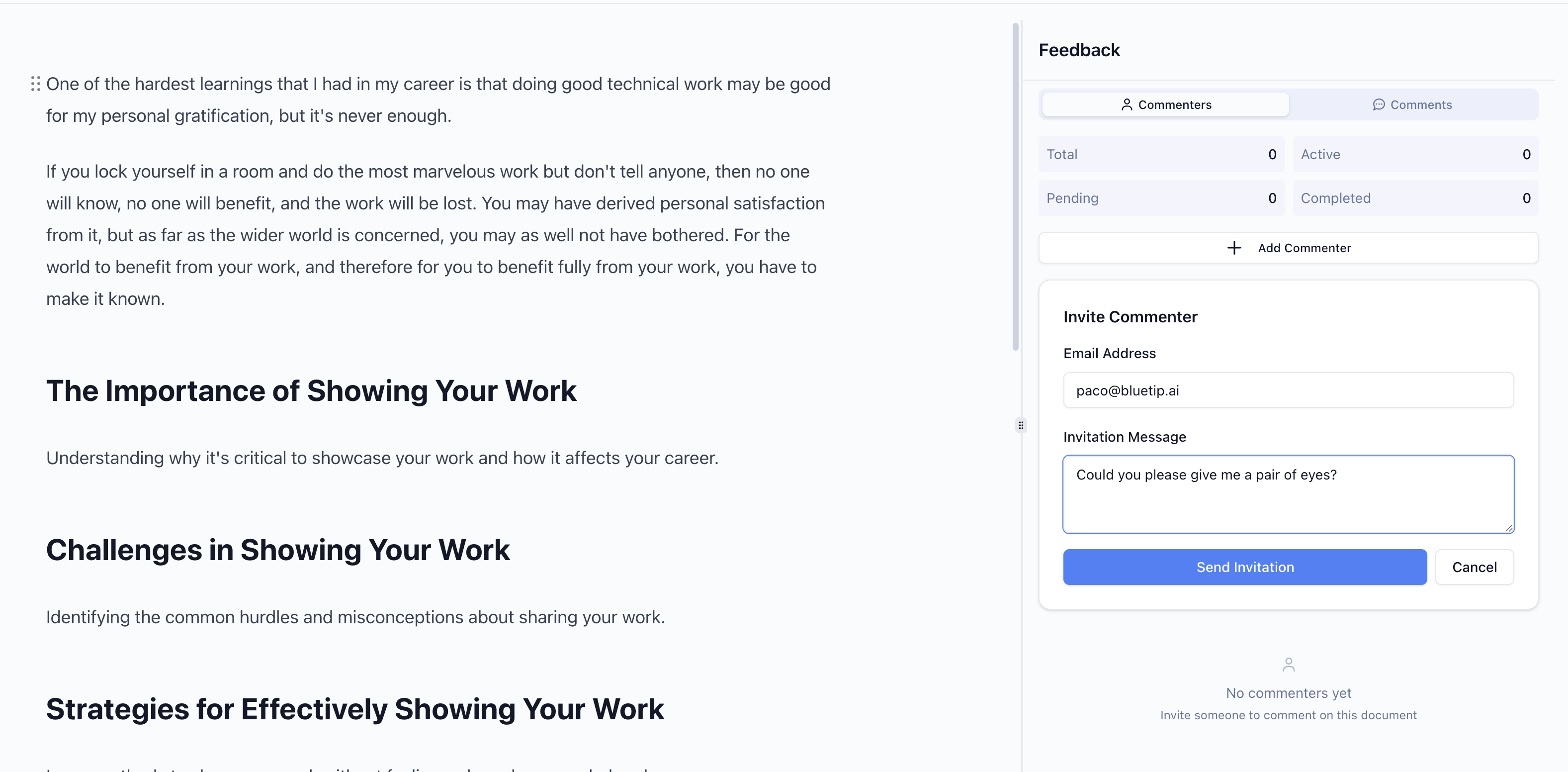 Enlarge
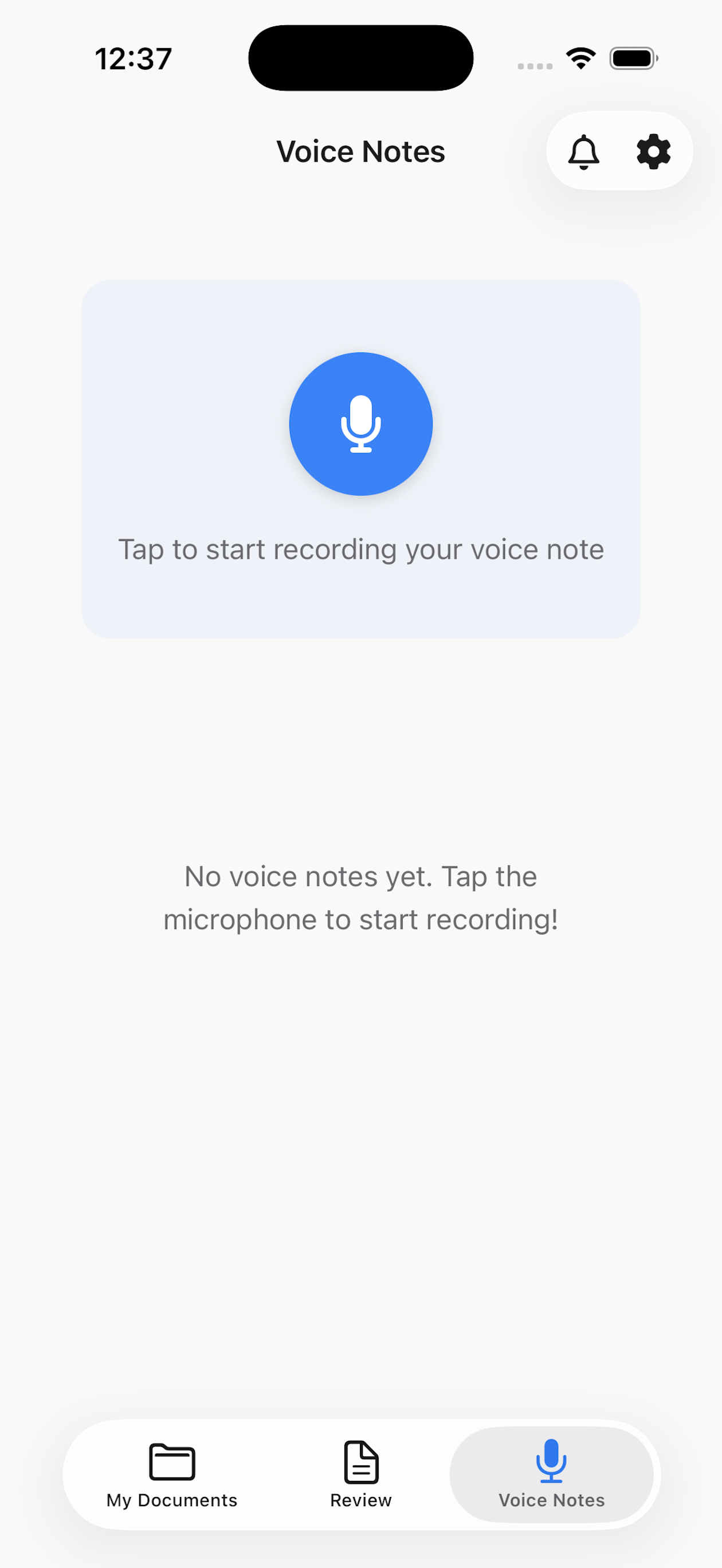
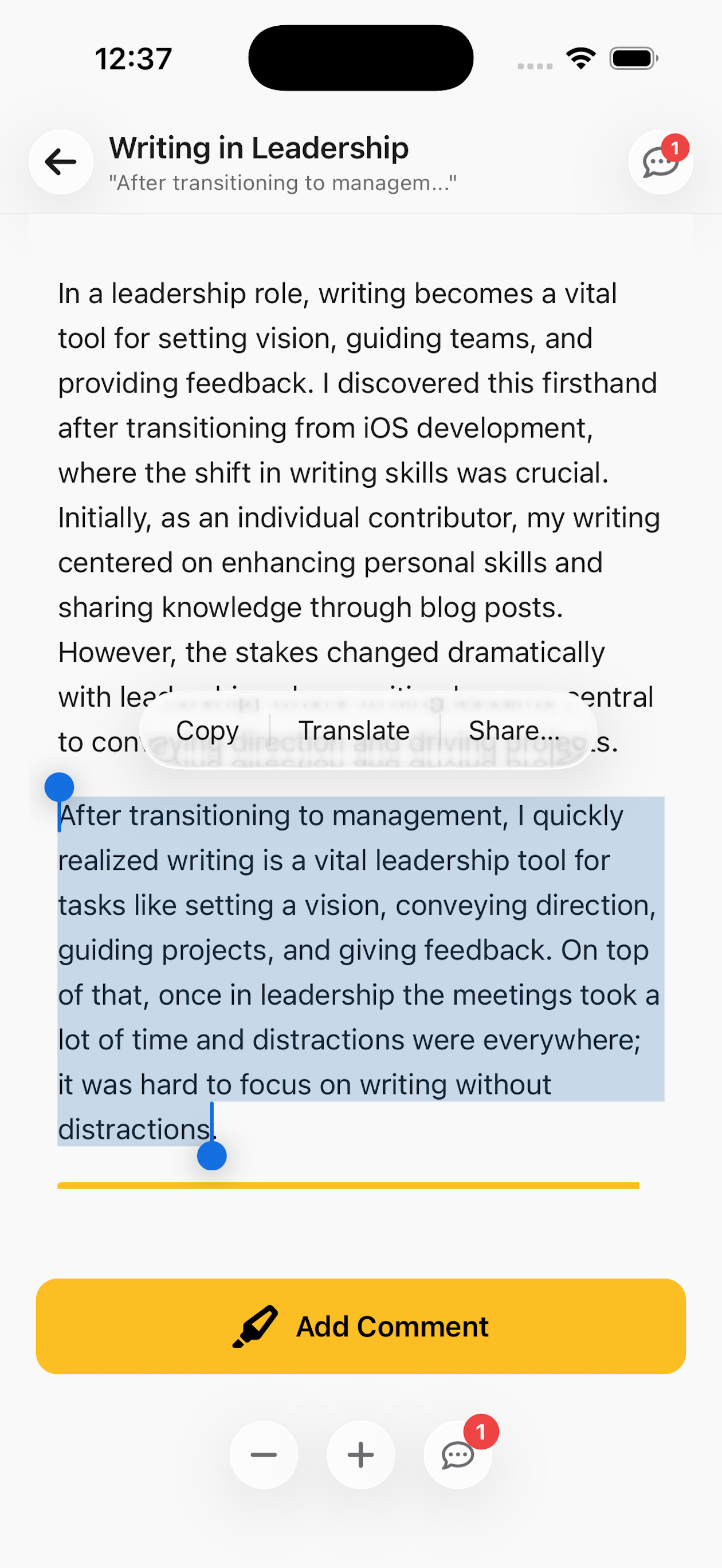
Record a voice note, read a shared draft, or reply to a comment using the same BlueTip account.
Voice Notes
Give Feedback
Record a thought and turn it into text you can develop later.
Highlight text, add comments, and resolve threads — all from your phone.
Read a document or listen to it with Read Aloud.
Get notified when collaborators comment or share documents with you.
Use the same BlueTip account on web and mobile.
BlueTip brings sources, notes, drafting, review, and export into one workspace. Start with your own text or an idea, and choose where you want help.
Keep context close to your draft, review suggestions, and share the finished piece in the format you need.
Start on the free plan. No credit card needed.